Choose Session Eye when your main problem is keeping spontaneous production moments and deciding the edit afterward. Put Tapesmith on your shortlist when you plan takes and want more of the finishing work automated. Both are aimed at creators working with screen, music, voice and camera; the useful difference is the order of decisions.
Start with the moment you usually miss
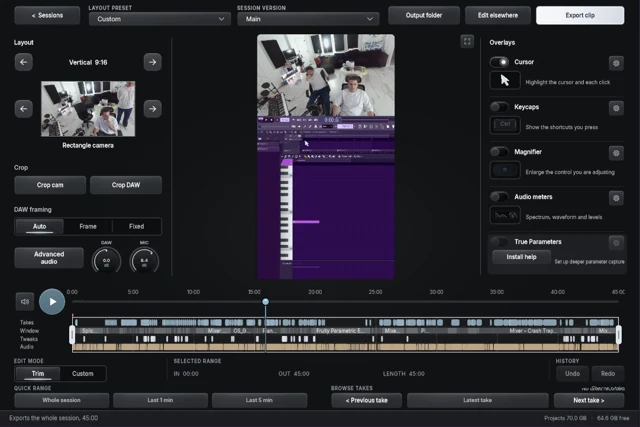
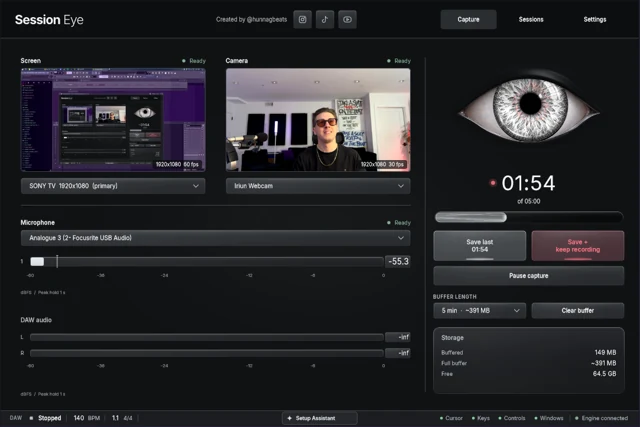
If you regularly say “I wish I had recorded that,” test a rolling-history workflow first. Session Eye lets you capture while producing, save recent history, and then select clips and adjust the retained screen/camera composition.
If you already know you are about to explain something, pressing Record is less of a burden. The harder part may be cutting hesitation, balancing speech and turning takes into an upload. That is a different bottleneck, and it deserves a different audition.
HOME Instruments makes Session Eye. This comparison uses our product and Tapesmith's published material; it is not a measured speed or quality contest.
Compare the work after capture
| Decision | Session Eye | Tapesmith |
|---|---|---|
| When to keep a moment | Save from active rolling history | Documented take-based Record/Stop workflow |
| How to build a clip | Select moments and versions in the session editor | Published take assembly and automatic finishing tools |
| Voice and music | Separate DAW/mic mixing controls in the edit | Advertised voice/music balancing and ducking |
| Presentation | Reframe captured screen and camera | Published camera layouts and vertical/wide output |
| Platform to check | Windows and Mac builds | Apple Silicon Mac; vendor lists macOS 14.2+ |
Tapesmith's product page lists captions, filler-word removal and silence trimming, plus live output. Its manual describes the take workflow. We did not find a documented rolling-history save in that manual; verify any newer capability directly if replay is essential to you.
Listen to what automatic editing removes
A pause in a spoken demo may be dead air. A pause before a drop may be the point. Try a clip where you stop talking and let a reverb tail or groove speak for itself. Ask whether the result keeps the musical timing you wanted.
This is an audition task, not a claim that automatic edits always get music wrong. Automation can save effort when its decisions match yours. Keep control over the exceptions that matter to the piece.
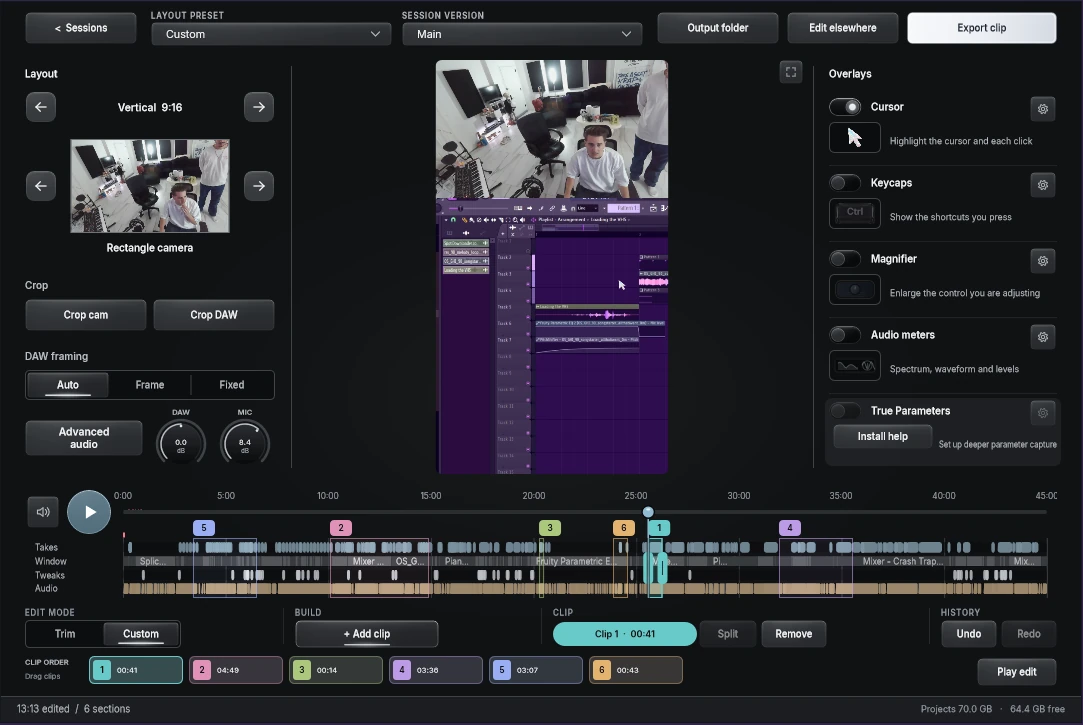
With Session Eye, the Custom edit screenshot shows several selected moments in one session. You choose the useful sequence; the payoff is control over what stays, with more editorial decisions left to you.
Try the same short lesson in both workflows
Use a beat you can reproduce. Explain one change, make it, leave space to hear it, then deliberately stumble over a sentence. Include a floating plugin and a camera if those belong in your normal videos.
In each candidate, produce a wide and a vertical result. Check the music/voice balance, readable controls, the cut around the stumbled sentence and the effort needed to revise the composition. Also reopen the saved work and see what you can still change.
You do not need to run both capture apps simultaneously. Testing them one after the other avoids turning device contention into an unfair comparison.
Choose the missing part of your workflow
For unplanned discovery and later recomposition, begin with Session Eye's rolling routine. For planned takes with automated polish, use Tapesmith's trial and examine the finishing controls that matter to your speech and music.
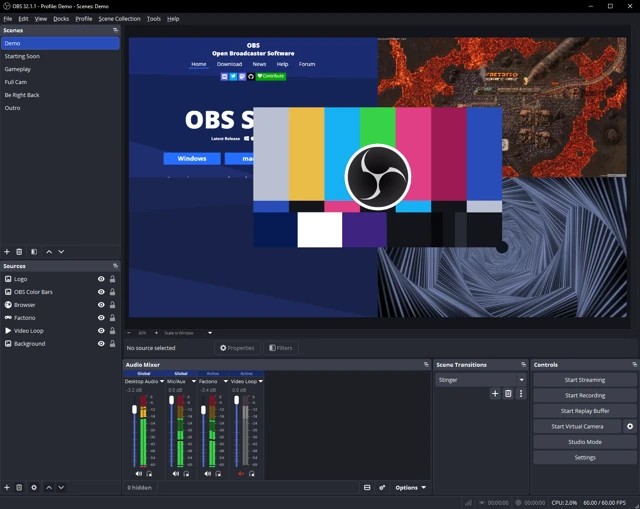
If you also broadcast, test the actual live requirements rather than assuming a local recording workflow replaces them. Tapesmith advertises streaming, and OBS remains another option. Our Tapesmith versus OBS guide addresses that choice. Check current licensing with each vendor before deciding.
Sources & details
Reviewed . From HOME Instruments, maker of Session Eye. Tapesmith details were checked against its product page and official manual; no hands-on comparative benchmark is claimed.