

The producer’s guide to content creation.
Screen recording, clean audio, and videos worth sharing.
The guides.
Getting started
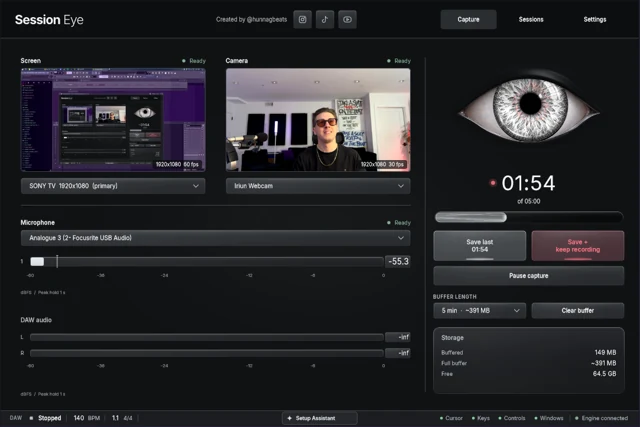
How to Record Your DAW With Audio, Mic and Screen
FL Studio
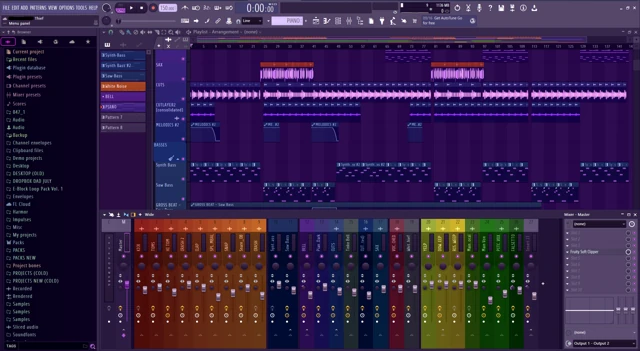
How to Screen Record FL Studio With Audio
FL Studio
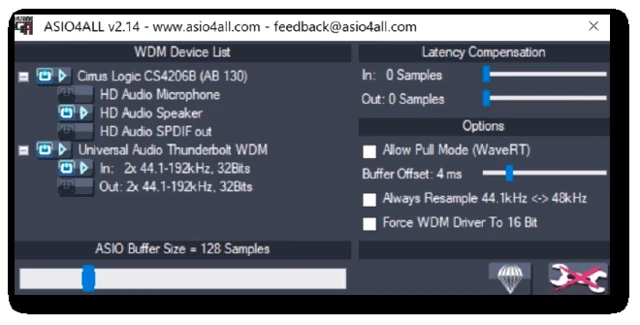
OBS Not Recording FL Studio Audio? What to Check
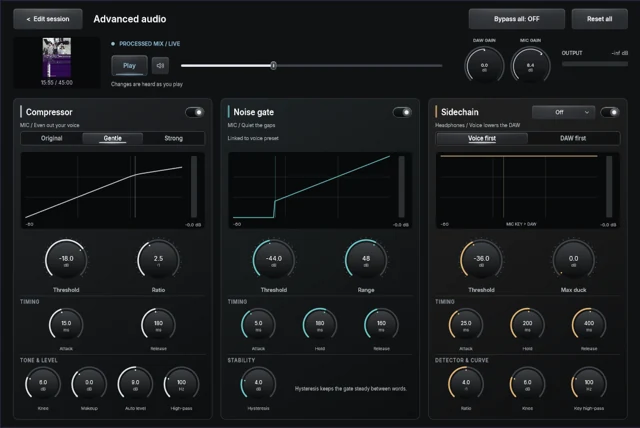
FL Studio
How to Record FL Studio Audio and Your Mic Separately
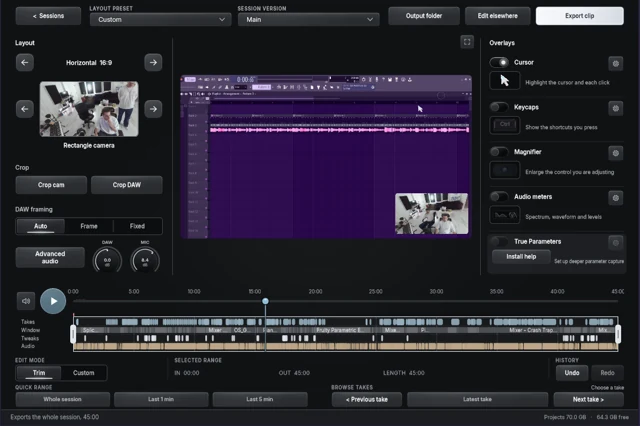
FL Studio
How to Record FL Studio With a Webcam
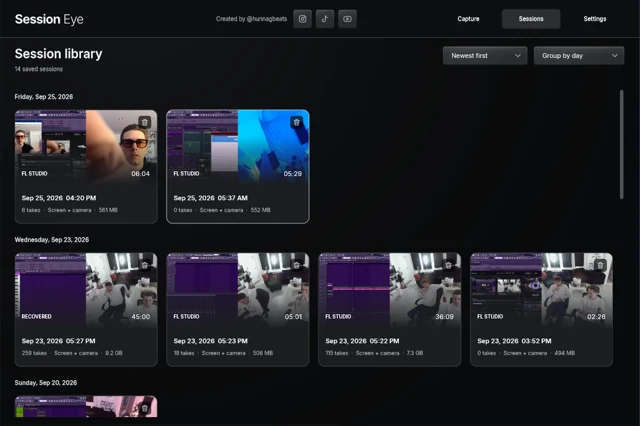
FL Studio
How to Record the Last 5 Minutes of FL Studio
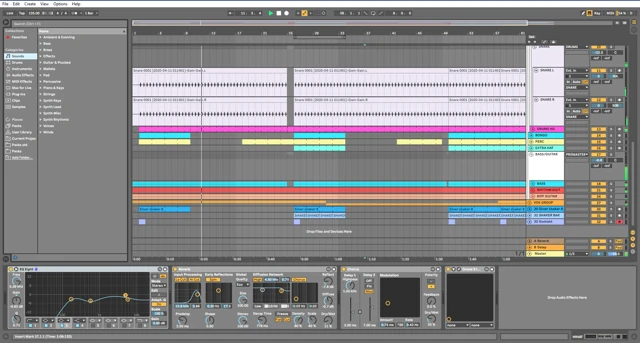
Ableton Live
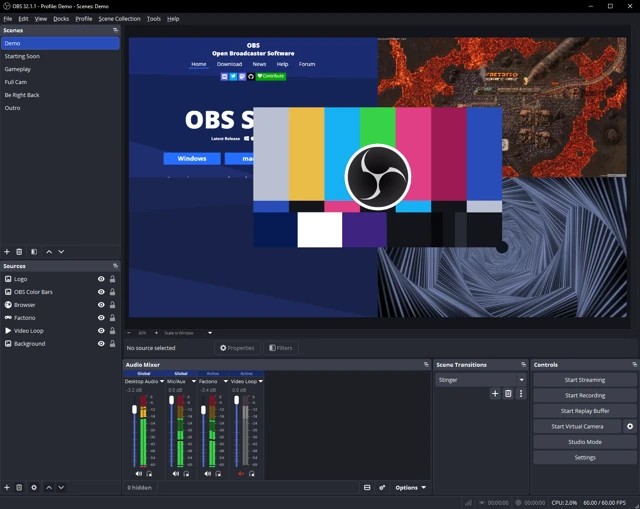
How to Screen Record Ableton Live With Audio
Ableton Live
OBS Not Recording Ableton Audio? Follow the Signal
Ableton Live
How to Record Ableton Live and a Microphone Separately
Mac audio
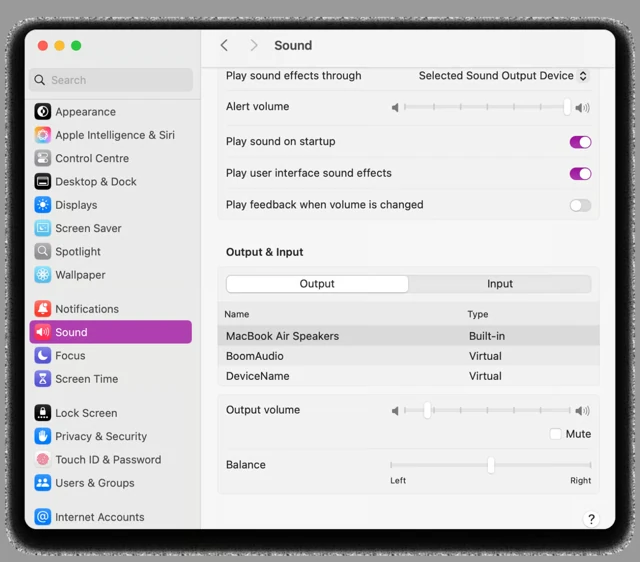
How to Record DAW Audio on Mac
Mac audio
How to Record DAW Audio and Mic Together on Mac
Mac audio
How to Record DAW Audio Without BlackHole
Windows & ASIO
How to Screen Record ASIO Audio on Windows
Production videos
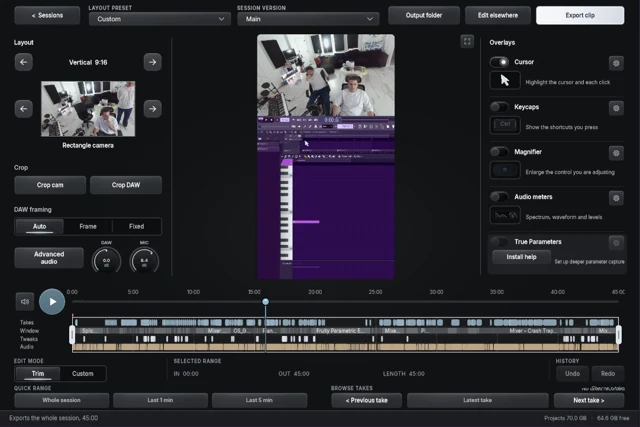
How to Record Beat-Making Videos
Production videos
How to Record Your DAW, Webcam and Mic Together
Rolling capture
How to Record Something After It Already Happened
Rolling capture
How to Keep a Rolling Recording of Your DAW
OBS & comparisons
Best Screen Recorder for Music Producers: Choose by Workflow
OBS & comparisons
OBS Alternatives for Music Producers
OBS & comparisons
Session Eye vs OBS for Music Production
Rolling capture
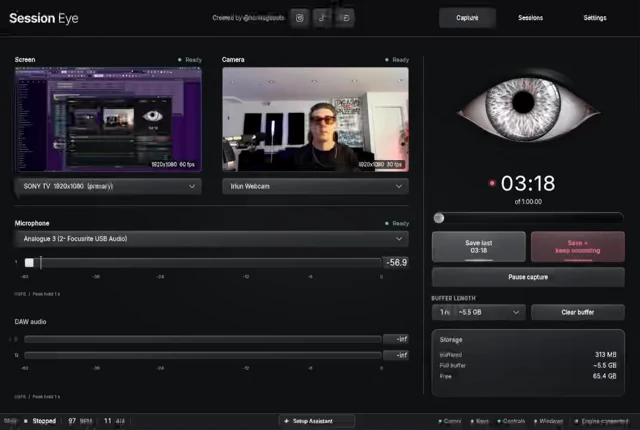
How to Record the Previous 10 Minutes
Rolling capture
How to Continuously Record Your Screen Without Saving Everything

Rolling capture
How Does a Rolling Screen Recorder Work?
Rolling capture
OBS Replay Buffer Explained: Enable, Start and Save
Rolling capture
OBS Replay Buffer Alternatives: What Do You Need to Keep?
Rolling capture
Always-Recording Software for Music Production
Rolling capture
How to Save a Beat After You Already Made It
OBS & comparisons
Session Eye vs Tapesmith for Music Producers
OBS & comparisons
Session Eye vs Screen Studio for Music Tutorials
OBS & comparisons
Tapesmith vs OBS for Music Production
OBS & comparisons
Best OBS Alternatives for Recording FL Studio
No matches yet.
Try a DAW name or a different question.