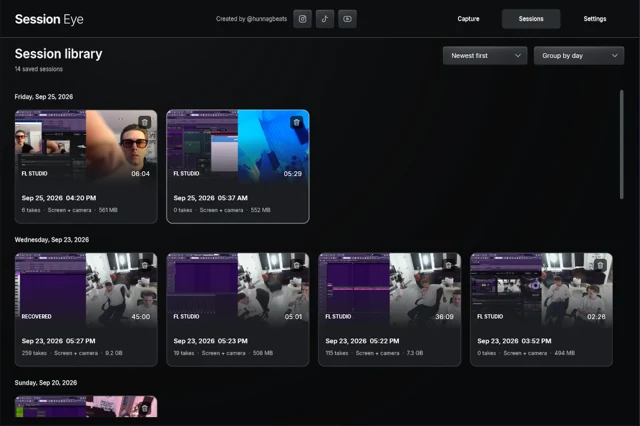
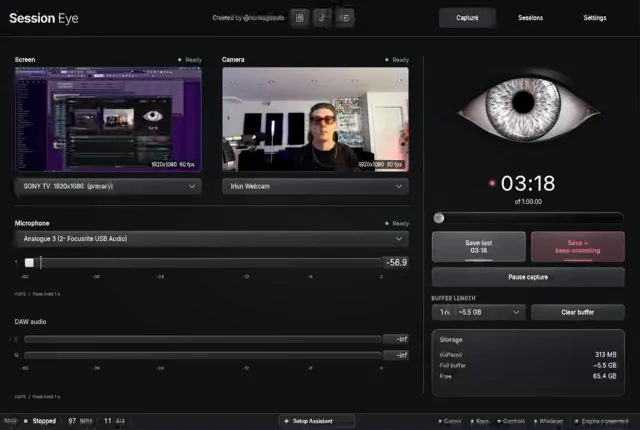
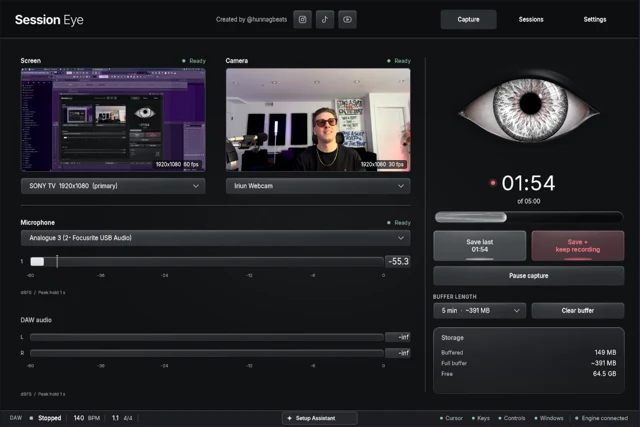
A rolling screen recorder keeps a moving window of recent capture. New footage enters at one end; older unsaved footage eventually falls out of the other. Save protects the history still available at that moment. You choose what to keep afterward, but capture has to begin beforehand.
Follow one five-minute window
12:00Capture starts. No earlier footage exists.
12:03Three minutes are available: 12:00–12:03.
12:08A full five-minute window covers roughly 12:03–12:08.
Save at 12:08Keep that available window. The unsaved 12:01 moment is already too old.
This is a time-window illustration, not a guarantee of frame-exact boundaries in every recorder. Effective capacity and interruptions can shorten what is retained. Check an actual saved result when setting up a new workflow.
The important consequence is easy to miss: selecting five minutes does not immediately create five minutes of history. The first few minutes of a session contain only what has happened since capture started.
A buffer has limits in more than one direction
Time: old unsaved material expires. Save before the beginning you want leaves the window.
Capacity: encoding settings and memory or storage limits affect how much history fits. A detailed, high-frame-rate screen may need more data than a simpler capture. The app's displayed estimate is more useful than a setting copied from another computer.
Sources: the buffer only contains active inputs. It cannot reconstruct a camera that was off or DAW sound that never reached the recorder.
Continuity: changing devices, pausing capture or losing a source can leave gaps. A timer does not prove every input stayed healthy throughout.
What does Save produce?
An ordinary OBS replay is a recording of the composed scene. It can contain configured audio tracks, but a camera layered over the screen is normally part of the finished picture. Replay is about when you save; it does not automatically separate the picture layers.
Session Eye saves a production session with the captured screen, camera and audio available for its editor. That lets you choose several moments or change the camera/DAW arrangement after saving. The horizontal editor preview shows that later composition step.
If you simply need a recent scene clip, OBS can be enough. If your final video is undecided while you produce, keeping a session can make later choices easier. Our comparison explains that difference without claiming retrospective capture belongs to only one app.
Why this is different from recovery
A buffer preserves data that was captured. A DAW's note recovery or project backup may preserve a different kind of data. Neither is a recording of an unobserved screen.
For an idea that already happened, check what may still exist. For the next session, choose a window that covers the passage and the delay before you recognize its value. Start with the five-minute example or the ten-minute setup, then make a rehearsal save before trusting the buffer with something important.
Sources & details
Reviewed . The timeline illustrates a bounded time window. Actual retained duration depends on the recorder, capacity and capture continuity.