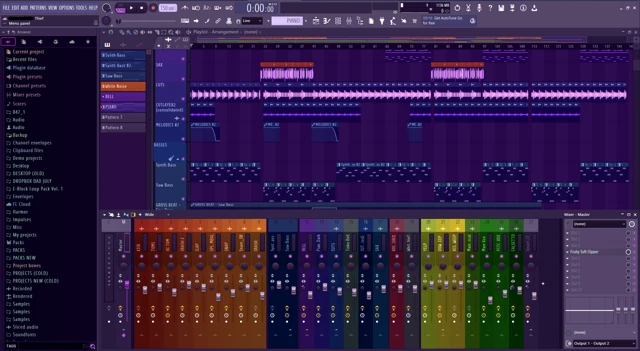
The best OBS alternative for recording FL Studio depends on why you want to leave OBS. Saving spontaneous moments, making polished lessons and fixing silent ASIO audio are three different problems. Start with the one you actually have.
Choose by the thing you want to stop doing
| Your recurring frustration | Try this direction |
|---|---|
| “I forgot to press Record before the good part.” | Session Eye rolling capture, or repair an existing OBS Replay Buffer setup |
| “I spend too long finishing planned Mac takes.” | Audition Tapesmith's automatic finishing workflow |
| “My planned screen demos need clearer presentation.” | Audition Screen Studio on Mac |
| “OBS has picture but no FL audio.” | Fix the driver/capture route before choosing another app |
| “I only need a video of a finished arrangement.” | Screen video plus a synchronized FL audio export |
HOME Instruments makes Session Eye. These are use cases, not an independent ranking or measured performance award.
For producing first and editing later
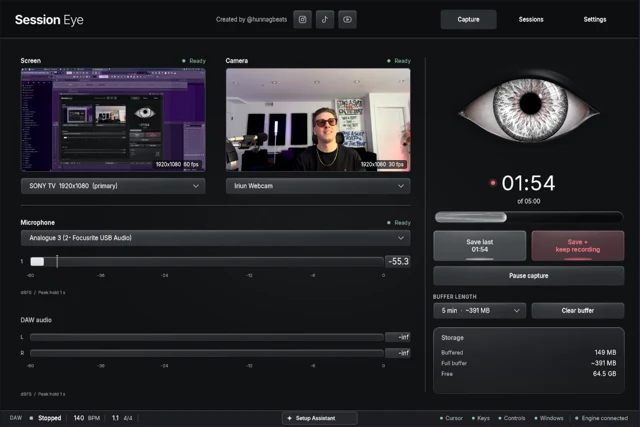
Session Eye keeps the selected screen, camera, DAW audio and external mic with rolling history. Save the useful moment, then choose clips, music/voice balance and horizontal or vertical layouts afterward.
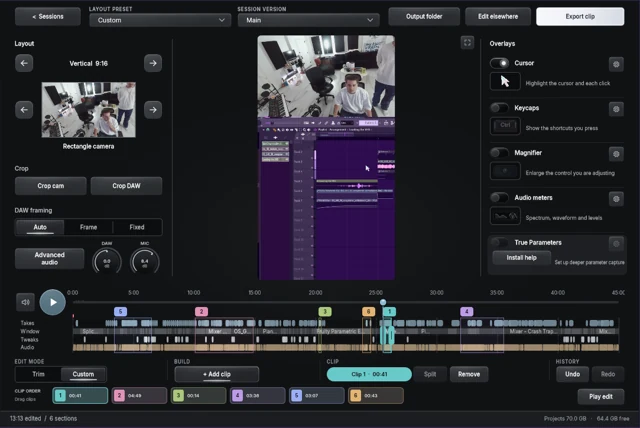
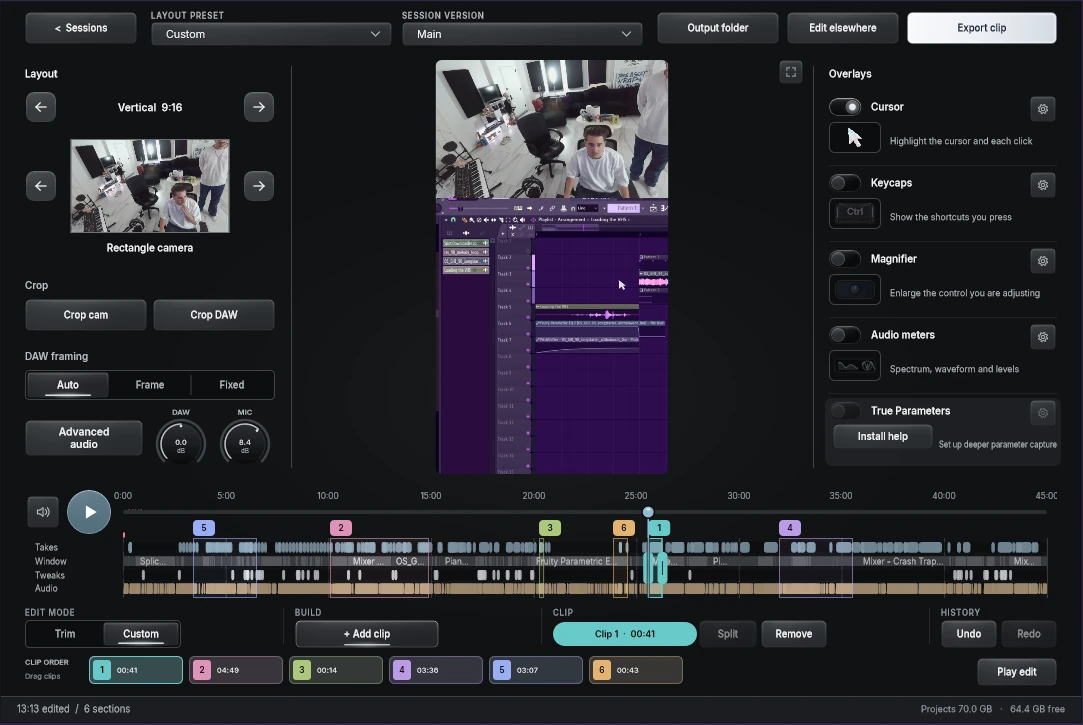
That suits an FL session whose best passage was not planned as a take. The editor image below shows a custom sequence built from several parts of one source session. The practical question is whether that saves you from recreating the performance for the camera.
Start with the illustrated five-minute save. If you already stream in OBS, you may prefer to keep it for live work while using a separate session workflow for edited clips.
For planned lessons on Mac
Tapesmith targets Mac creators with a take-based capture and automatic finishing workflow. Screen Studio emphasizes styled screen demonstrations and zoom/cursor presentation. Both deserve a test with FL rather than a dismissal based on their category.
Read the more detailed Session Eye versus Tapesmith and Session Eye versus Screen Studio comparisons for the documented distinctions and platform checks. Do not assume either ordinary recording workflow provides the retrospective history you need; verify that requirement explicitly.
For any candidate, open the Playlist, Mixer and a floating plugin. Check the saved picture and music, then produce a short vertical version. That is more informative than watching a generic desktop demo.
When another recorder will not fix it
With a hardware ASIO driver, music can reach the interface without reaching the Windows source a screen recorder watches. Another app using that same source may record the same silence. The FL + OBS quick setup and ASIO route comparison help isolate that problem.
On Mac, native application capture may already solve the job without a virtual cable. Avoid rebuilding all your audio devices just because an older tutorial began with BlackHole.
If your arrangement is finished and repeatable, exporting its audio from FL and aligning it with a screen recording can be a simple alternative. It is less suitable for a changing performance whose exact sound will not happen again.
Keep one representative test
Make a recording with a loop, a mute, a plugin change and narration. Reopen it in the editor you will actually use. Verify the music is clean, the mic can be changed independently when required, and the interesting controls remain readable.
Then make one revision you often need: remove a sentence, move the camera, change the crop or recover the beginning of a moment. Choose the workflow that makes that work easier while leaving FL comfortable to play. Keep your working OBS scenes until the new path earns their place.
Sources & details
Reviewed . From Session Eye’s maker. Recommendations are tied to recording and editing tasks rather than price rankings or universal performance claims.